Why Phoenix AC Units Die Early and How to Make Yours Last Longer
Phoenix AC units often wear out faster than systems in milder climates because they run for long hours in extreme heat while battling dust and restricted airflow. Regular AC maintenance in Phoenix helps reduce that strain, catch developing problems, and keep your system dependable.
Why does the desert eat AC systems alive? The heat rarely gives equipment a true break. Dust coats the parts that release heat, and small airflow or electrical problems can quickly become major failures.
June 2026 showed how intense Phoenix cooling demand can become: every day reached at least 100°F, and 7 days reached at least 110°F, according to the National Weather Service’s Phoenix climate report.
Xtreme Air, Inc. has served Phoenix and surrounding communities since 2006. We regularly see that clean, properly tested, and maintained systems are better prepared for peak heat than neglected equipment.

Why Phoenix Heat Is So Hard on AC Equipment
Extreme heat makes your AC run longer under heavier loads, increasing wear on the parts responsible for starting, cooling, and moving air. The system may still produce cool air while internal components gradually weaken.
The strain often affects:
- Capacitors: They help start the compressor and fan motors, but repeated heat exposure can weaken them.
- Compressor: Long run times, dirty coils, poor airflow, and refrigerant problems can make the system’s most important component run hotter.
- Fan Motors: Dust, worn bearings, and electrical problems add strain while the motors move air for hours.
- Coils and Refrigerant Lines: Dirt, damage, or leaks can reduce heat transfer and increase operating time.
- Contactors and Controls: Heat and repeated cycling wear the electrical parts that control operation.
Watch for
warm airflow, hard starting, buzzing, frequent cycling, rising energy use, or longer cooling times. Our guide to why your AC struggles during Phoenix summers explains other heat-related problems.
What Haboobs and Desert Dust Do to Your System
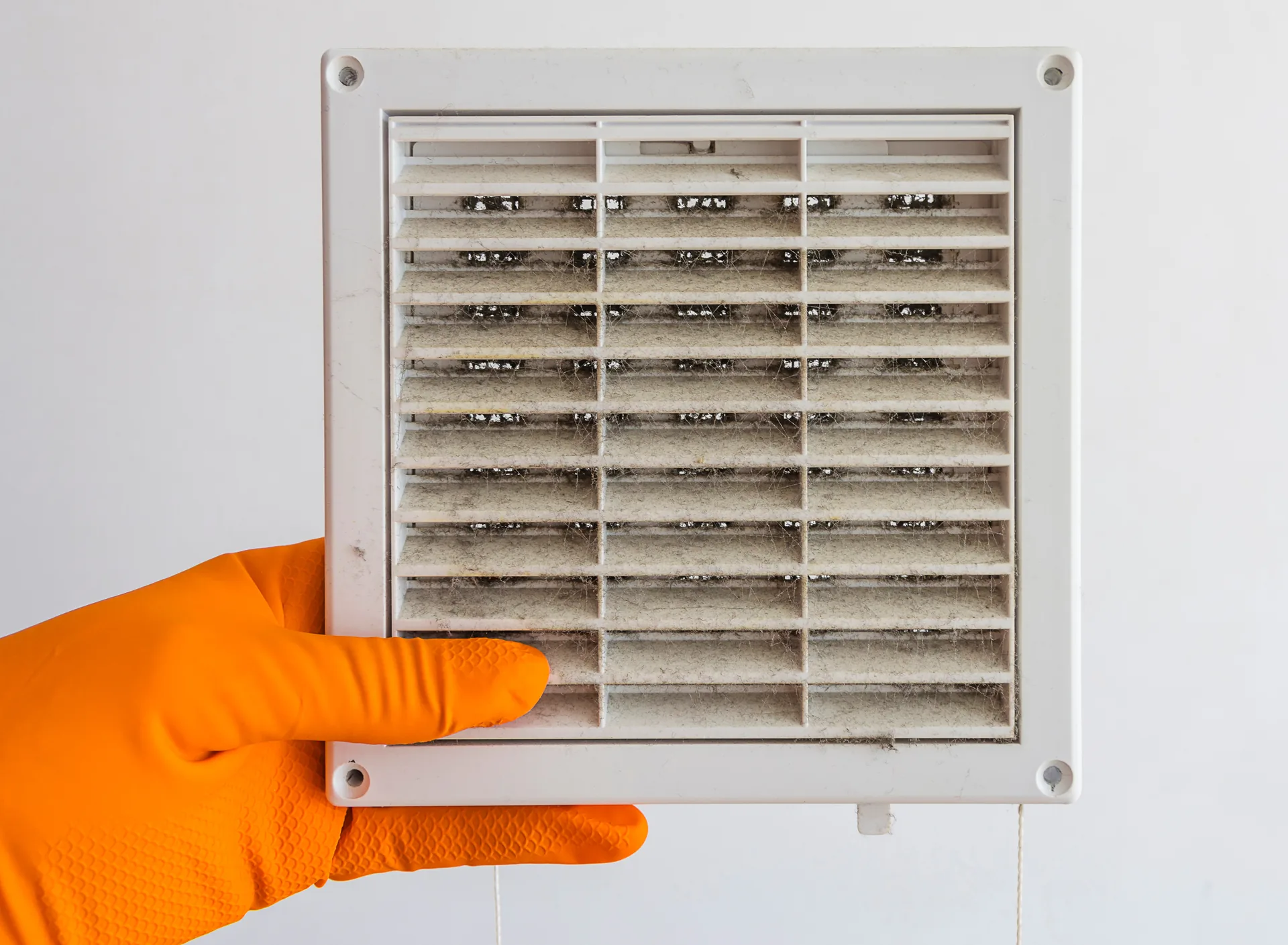
Haboobs can load your filter and condenser with dust, reducing airflow and making it harder to move heat out of your home. Fine debris can also collect around electrical parts and inside equipment cabinets.
Maricopa County’s dust-storm guidance says 1 to 3 dust storms generally move into the Phoenix area during an average year. The county recommends closing doors and windows and considering turning off the heating or cooling system until the storm passes.
After a major dust storm:
- Replace the filter if it is visibly dirty.
- Check for dust, leaves, plastic, or debris around the condenser.
- Confirm that supply vents still have steady airflow.
- Listen for hard starts, buzzing, rattling, or unusually long cycles.
- Schedule an inspection if cooling performance changes.
Avoid aggressive water pressure or tools that could bend the condenser fins. A technician can inspect the coil and clean it when needed.
Should You Turn Off the AC During a Haboob?
Maricopa County advises homeowners to consider turning off the HVAC system until the dust storm passes. Do so only when indoor temperatures and occupant health make it safe; otherwise, keep doors and windows closed and follow the system manufacturer’s guidance.
Children, older adults, pets, and people with certain health conditions may be more vulnerable to rising indoor temperatures. Safety comes first.
Use the Right Filter Without Restricting Airflow
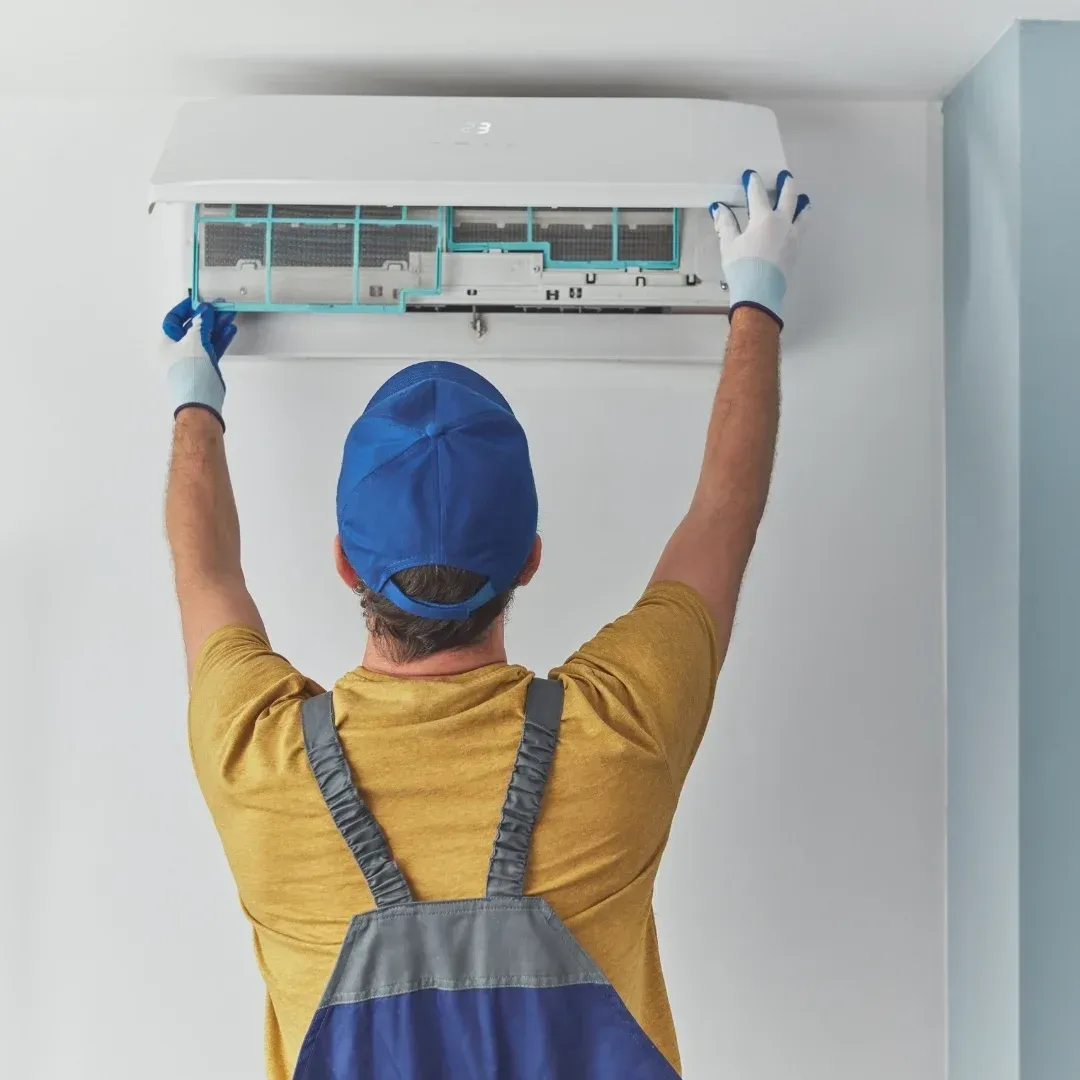
The right filter captures particles without creating more resistance than your system can handle. A restrictive filter can reduce airflow, while a weak or overloaded filter can allow dust to build up inside the equipment.
The EPA’s home air-cleaner and filter guidance recommends MERV 13, or the highest rating the system fan and filter slot can accommodate.
Use this routine:
- Check the filter monthly during heavy cooling season.
- Replace it when dirty rather than relying only on a date.
- Make sure it fits snugly without gaps.
- Confirm compatibility before moving to a higher MERV rating.
- Ask about a deeper media cabinet if one-inch filters load quickly.
What Professional AC Maintenance Should Include
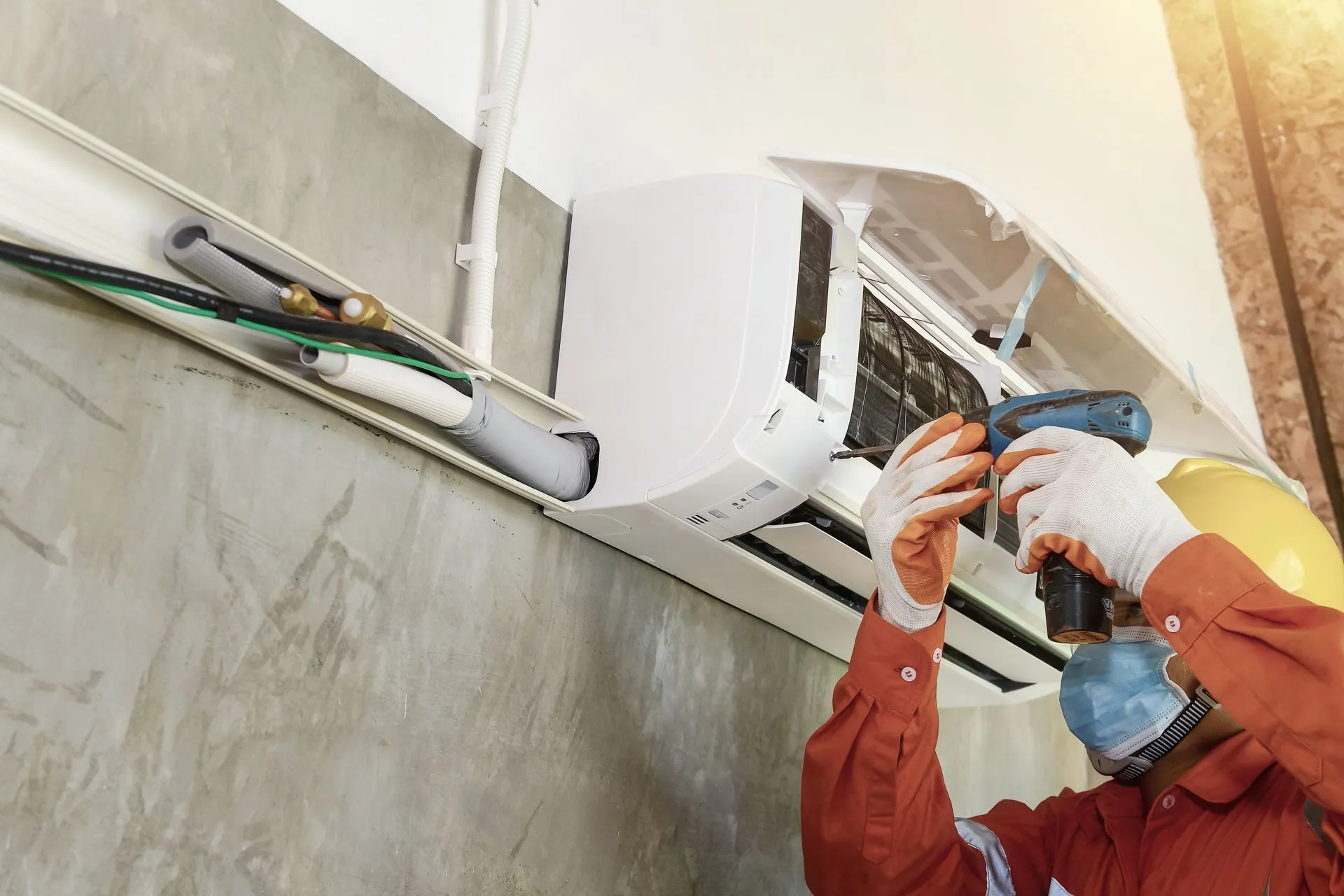
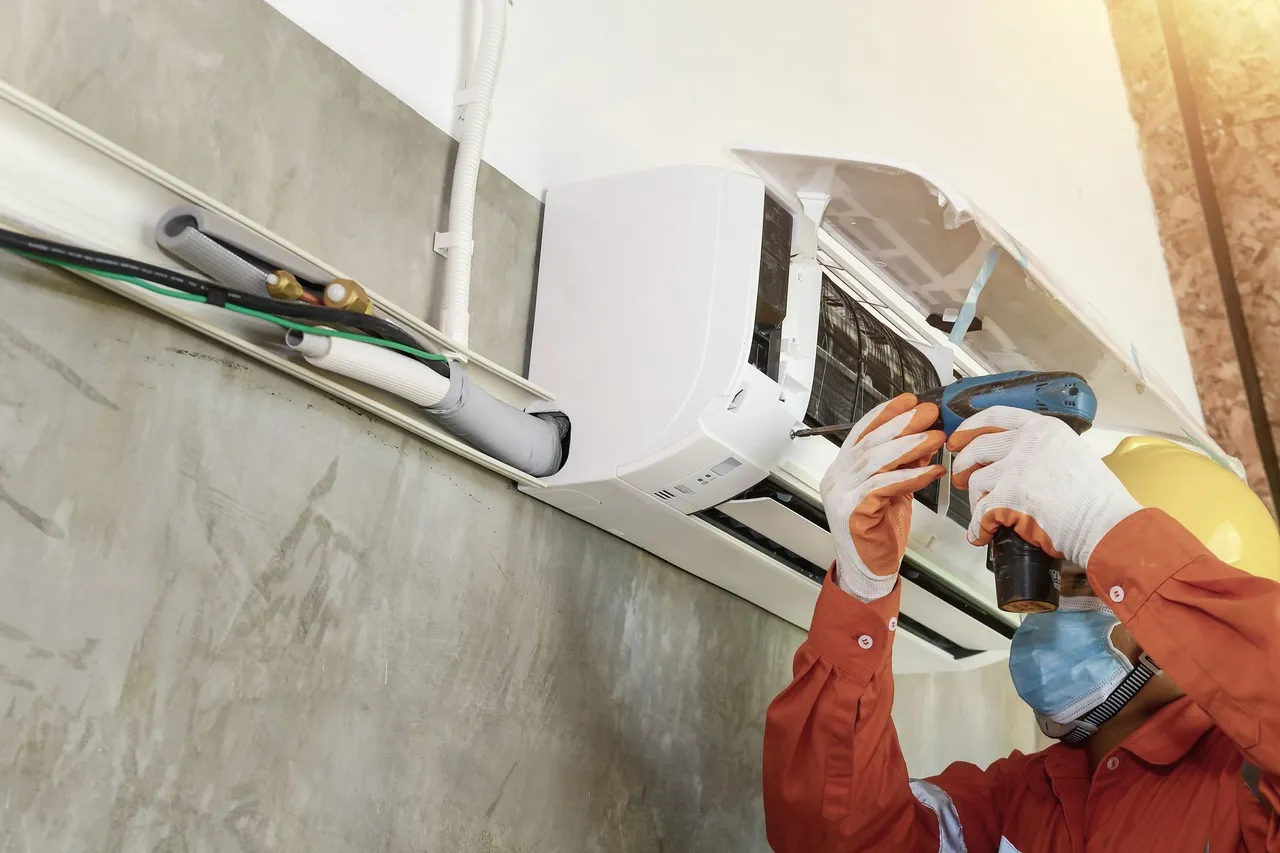
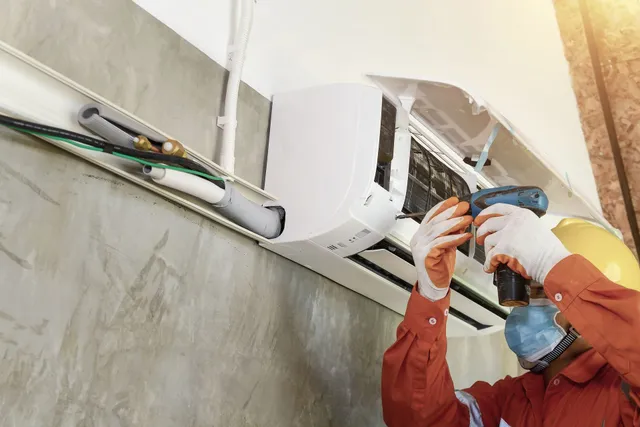
Professional maintenance should
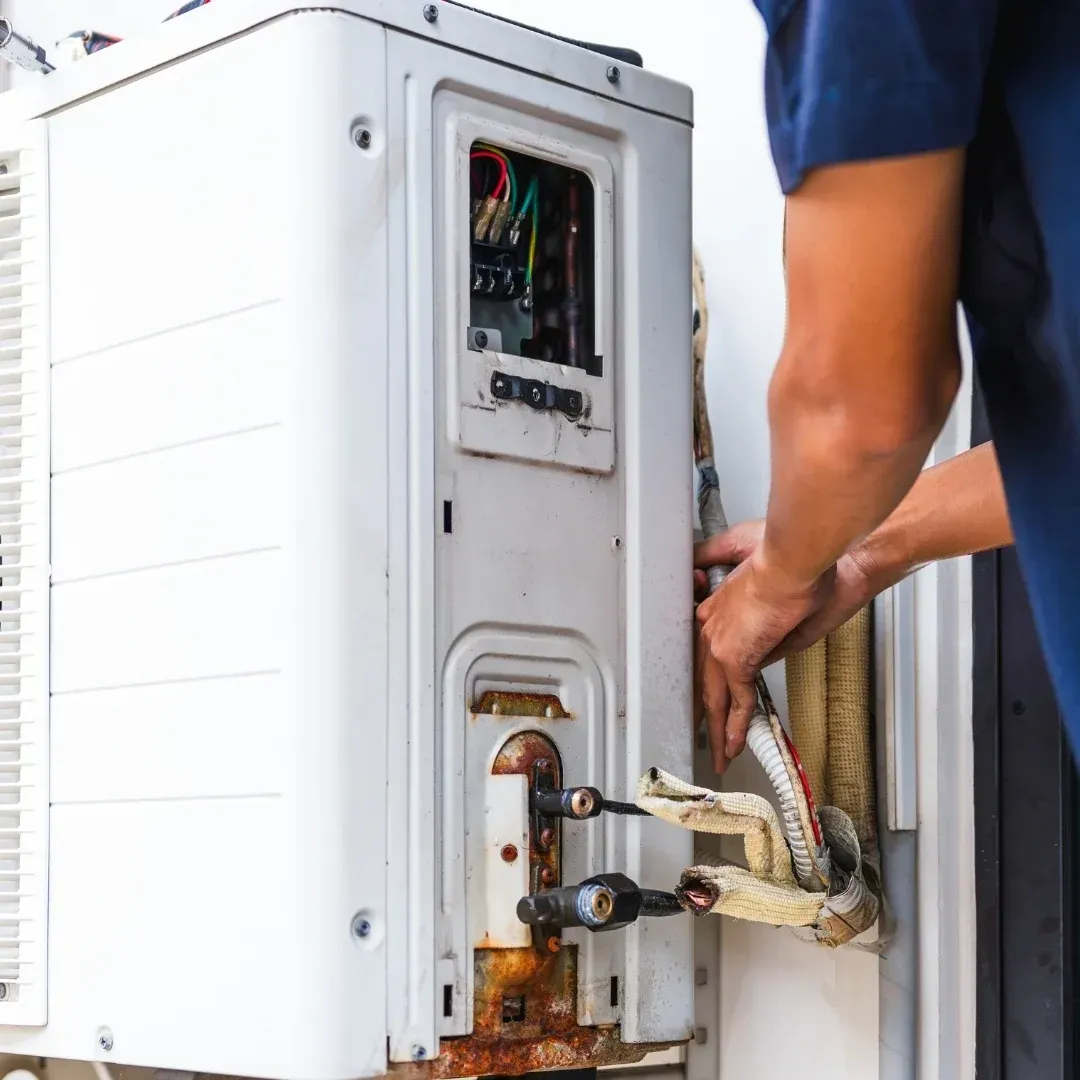
inspect, test, and service the parts affecting cooling, airflow, electrical operation, drainage, and reliability. A quick visual check is not enough for equipment facing a Phoenix summer.
| Maintenance Task | Why It Matters |
|---|---|
| Inspect condenser and evaporator coils and clean them when needed | Supports steady airflow and normal cycling |
| Test capacitors, contactors, and electrical connections | Inspect the blower and thermostat |
| Check refrigerant performance | Inspect and clear the condensate drain |
| Measure airflow and temperature change | Measure airflow and temperature change |
| Inspect and clear the condensate drain | Check refrigerant performance |
| Inspect the blower and thermostat | Test capacitors, contactors, and electrical connections |
If testing suggests an improper refrigerant charge, the technician should identify the underlying cause rather than treating repeated refrigerant loss as routine maintenance.
The ENERGY STAR HVAC maintenance checklist explains that dirty coils make cooling systems run longer and that airflow problems can reduce efficiency. It also recommends checking filters monthly.
Schedule professional air conditioner maintenance in Phoenix before the hottest part of the year. A second inspection after monsoon season can be useful after heavy dust, drainage issues, or unusually long run times. You can also review the importance of annual AC maintenance.
Maintenance Helps Protect Your Budget
Maintenance cannot guarantee a lifespan or prevent every repair, but it can help you avoid preventable damage and rushed decisions. Finding a weak capacitor, dirty coil, clogged drain, or airflow problem early is better than discovering it after a shutdown during extreme heat.
AC replacement is a major household expense. Keeping existing equipment clean, tested, and promptly repaired can preserve your options and help you plan instead of being forced into an emergency purchase. However, an aging system should not be repaired indefinitely when major failures, poor comfort, and high operating costs continue.
Repair or Replace: How to Decide
Repair often makes sense when the problem is isolated, and the rest of the system remains dependable. Replacement deserves consideration when failures become frequent, comfort declines, or a major repair would leave you with equipment that still struggles in hot weather.
| When to Consider Repair | When to Consider Replacement |
|---|---|
| The failure is limited to a serviceable part | A major component has failed |
| The system has a good service history | Breakdowns are becoming frequent |
| Cooling was normal before the problem | The system cannot maintain comfort |
| The repair should restore dependable operation | Energy use stays high after service |
| Parts are readily available | Parts are obsolete or difficult to obtain |
Repair often makes sense when the problem is isolated, and the rest of the system remains dependable. Replacement deserves consideration when failures become frequent, comfort declines, or a major repair would leave you with equipment that still struggles in hot weather.
What SEER2 and EER2 Mean in Phoenix
SEER2 measures efficiency across a cooling season, while EER2 measures efficiency at a specific operating condition. Both matter, but EER2 gives useful information about performance in hot weather.
ENERGY STAR uses EER2 requirements to evaluate efficient cooling performance at 95°F. When comparing equipment, ask about:
- SEER2 and EER2 ratings
- Correct system sizing
- Single-stage, two-stage, or variable-speed operation
- Duct leakage and airflow
- Warranty and maintenance requirements
A high rating cannot correct poor sizing, leaky ducts, weak airflow, or careless installation. The complete system matters more than one number.
Warning Signs That Need Fast Attention
Call for service when your AC shows signs of electrical trouble, refrigerant problems, frozen coils, drainage failure, or major airflow loss. Waiting can turn a manageable repair into a more damaging breakdown.
Watch for:
- Warm or weak airflow
- Ice on refrigerant lines or the indoor coil
- Burning smells, buzzing, or repeated breaker trips
- Water around the indoor unit
- Short cycling or difficulty starting
- A thermostat setting the system cannot reach
- A sudden increase in run time
If your system stops cooling during extreme heat, follow our guide to emergency AC repair in Phoenix.
Schedule AC Maintenance in Phoenix
Phoenix heat and dust punish small weaknesses until they become expensive failures. Regular maintenance gives you the best chance to catch those weaknesses early, protect airflow, and prepare your system for peak demand.
Xtreme Air, Inc. is a family-owned and operated Phoenix HVAC company that has served the area since 2006. Our NATE-certified technicians service all AC brands and provide maintenance, repair, and replacement support throughout Phoenix and surrounding communities.
Call (602) 296-4932 to schedule your AC maintenance visit.
The desert is hard on equipment, but it does not have to win.
FAQs About Phoenix AC Maintenance
How often should I schedule AC maintenance in Phoenix?
Schedule professional maintenance at least once a year, ideally before peak summer heat. A post-monsoon inspection may also be useful after heavy dust, drainage problems, or unusually long run times.
Can AC maintenance prevent every breakdown?
No. It cannot prevent every failure, but it can identify dirty coils, weak electrical parts, restricted airflow, and drainage problems before they cause a shutdown.
Should I use a MERV 13 filter?
MERV 13 can improve filtration when your fan and filter slot support it. Check the equipment manual or ask an HVAC professional before upgrading, and replace the filter when it becomes dirty.
How do I know whether my AC is worth repairing?
Start with a professional diagnosis. Consider the failed part, overall condition, repair history, comfort, refrigerant type, parts availability, and whether the repair should restore dependable cooling.
What should I check after a haboob?
Inspect the filter, condenser area, supply airflow, system sounds, and cooling performance. Arrange service if the unit starts differently, runs much longer, or no longer cools evenly.
SHARE THIS ARTICLE
OUR RECENT POSTS